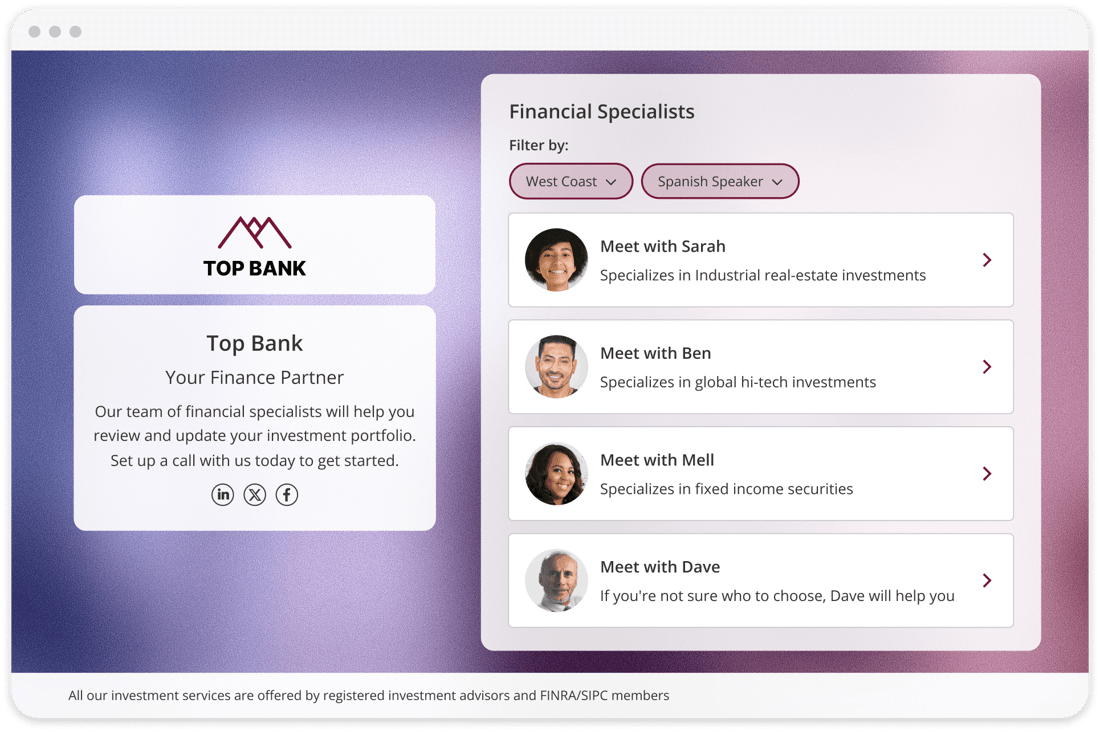
The ultimate destination for every guest. Consolidate all relevant scheduling options into a single, smart link that dynamically guides them to the right resource
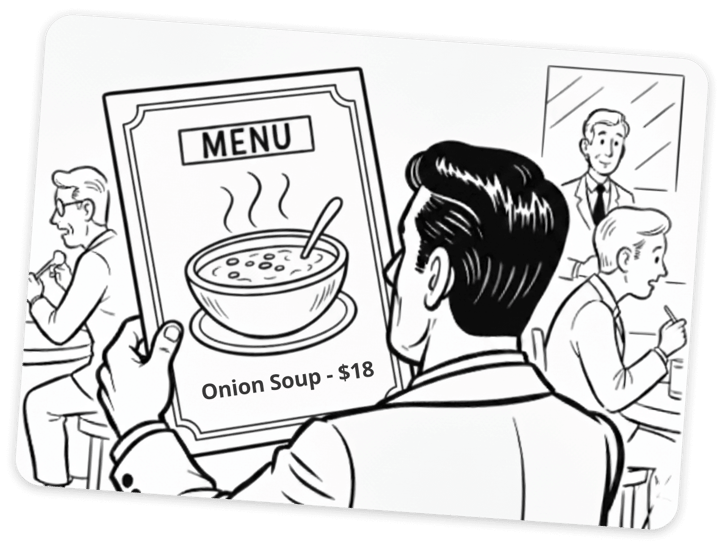
Just like ordering from a restaurant menu, when booking, your guests need to choose the right service provider, location, or meeting type.
How it works
Put Your Guests in the Driver's Seat
We replace single-option links with three core mechanisms that offer choice, simplify selection, and guarantee an accurate connection
Centralize Calendar Access
Centralize all your individual and team calendars under one master link for simple sharing. This serves as the single entry point for all scheduling needs.
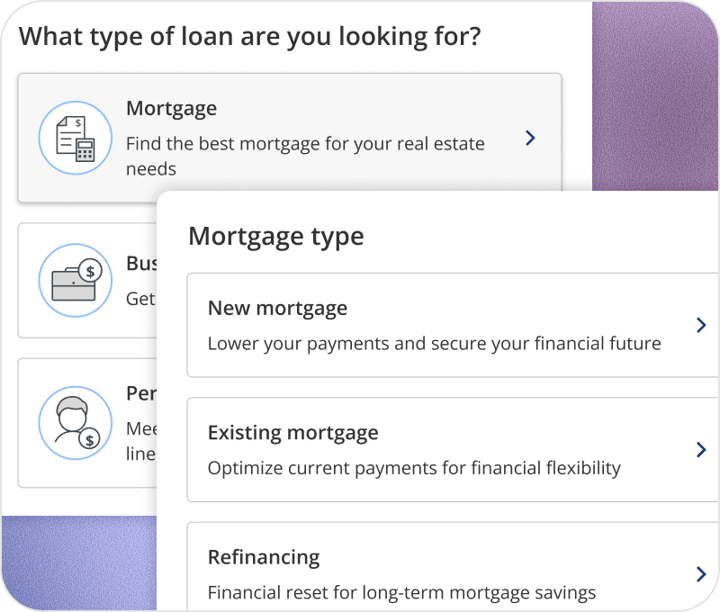
Implement Guided Flows
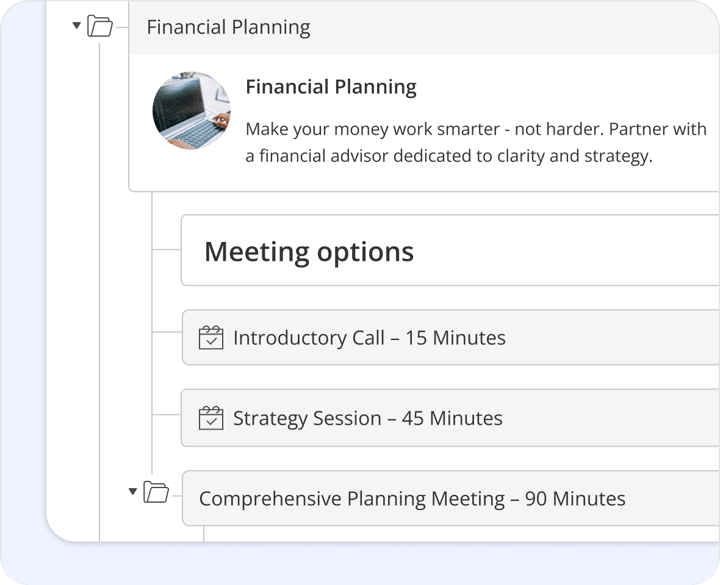
Implement a guided, decision-based flow that dynamically adjusts options based on guest input. This eliminates guesswork for the user.
Automate Smart Filtering
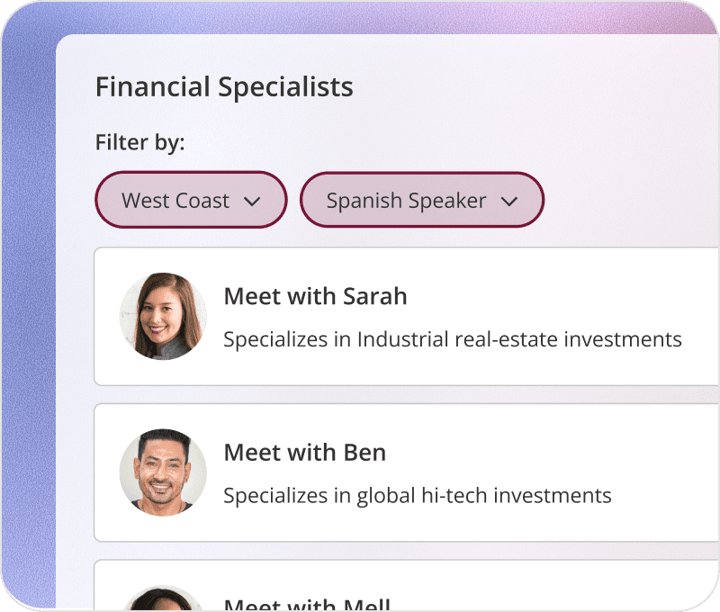
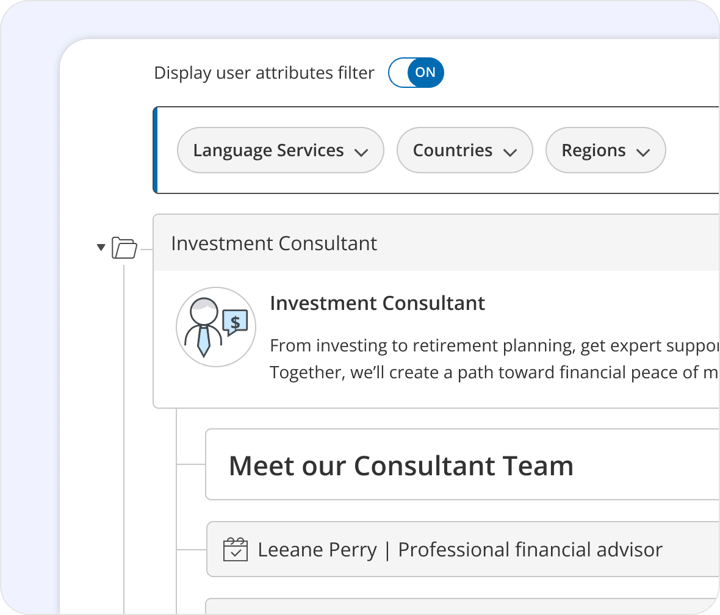
Automate filtering based on the guest's stated needs and attributes, instantly connecting them to the precise calendar. This ensures instant, accurate routing.
×
Features & Benefits
All Your Booking Calendars One Branded Hub
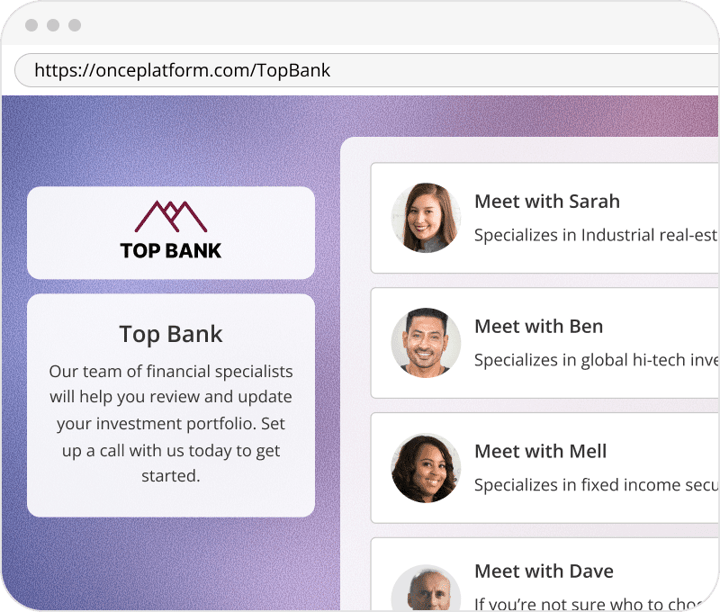
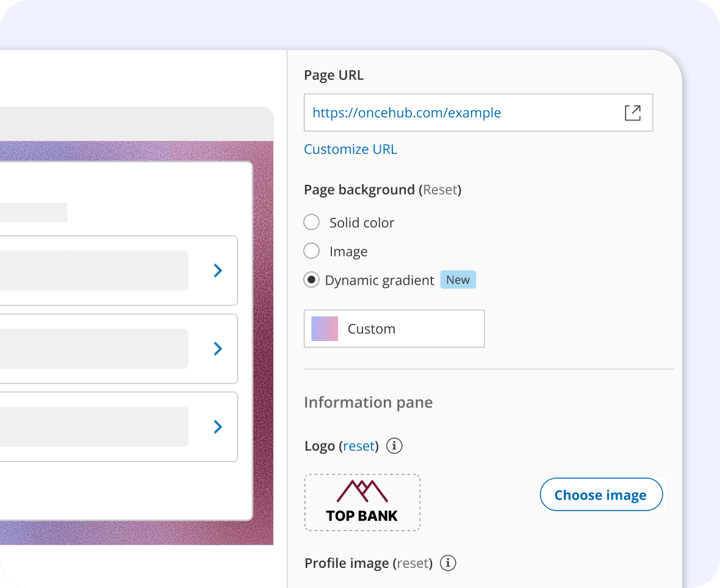
Single, Branded Hub URL
Consolidate all your booking options into one shareable link, simplifying outreach and eliminating customer confusion.This feature is essential for a clean, unified marketing presence.
Multi-Step Flow Builder
Create customized, guided scheduling paths that automatically qualify leads and remove the need for manual sorting. This tool ensures your teams only speak to qualified prospects.
Dynamic Attribute Filtering
Use guest selections (like service, region, or customer type) to instantly route them to the most relevant and available calendar. This ensures accurate assignment using complex business logic.
Flexible Deployment Options
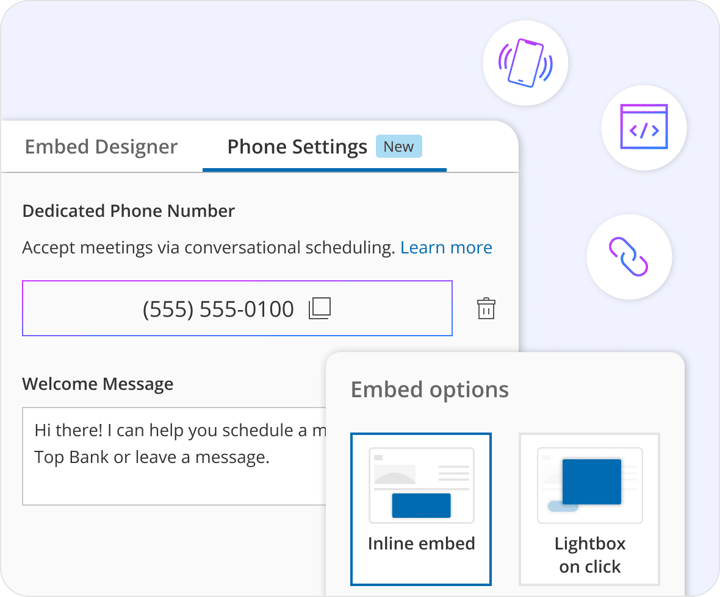
Utilize your Booking Hub link as a standalone page, seamlessly embed it into your website, or share it via phone to capture bookings from any channel. This provides versatility in how and where you connect with your audience.
One Link. Total Control. Build Your Booking Hub Now.
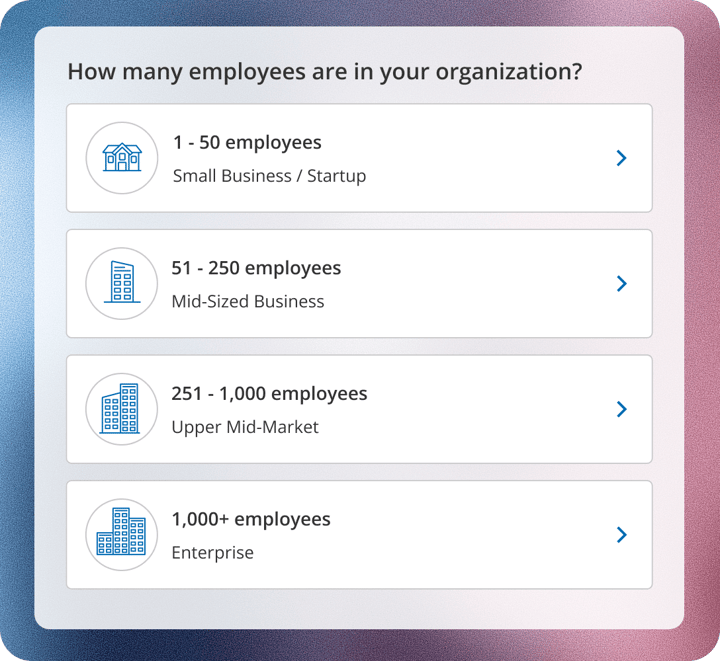
Route prospects to the correct Account Executive based on company size or product interest. This ensures high-value leads are assigned to the right expert instantly.
Client Services
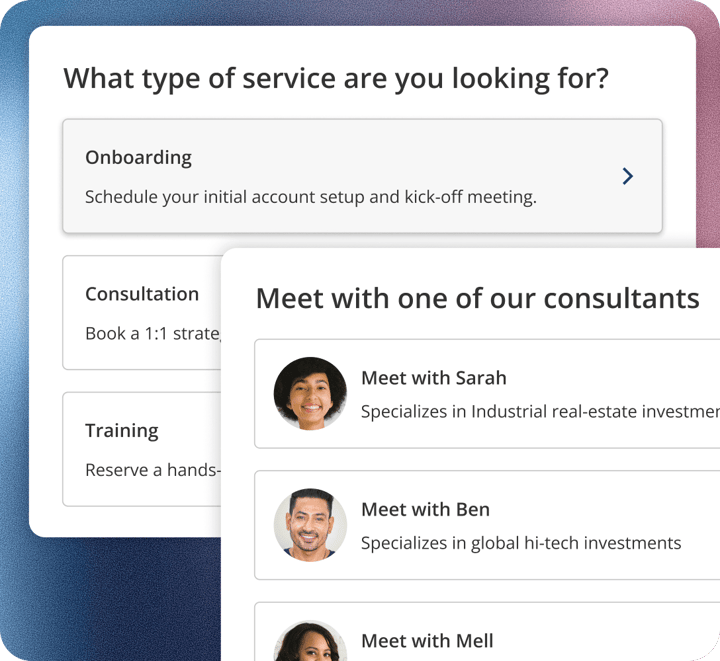
Allow guests first to select a service (e.g., "Onboarding," "Consultation," "Training") and then the available consultant. This streamlines complex offerings into a simple selection path.
Support
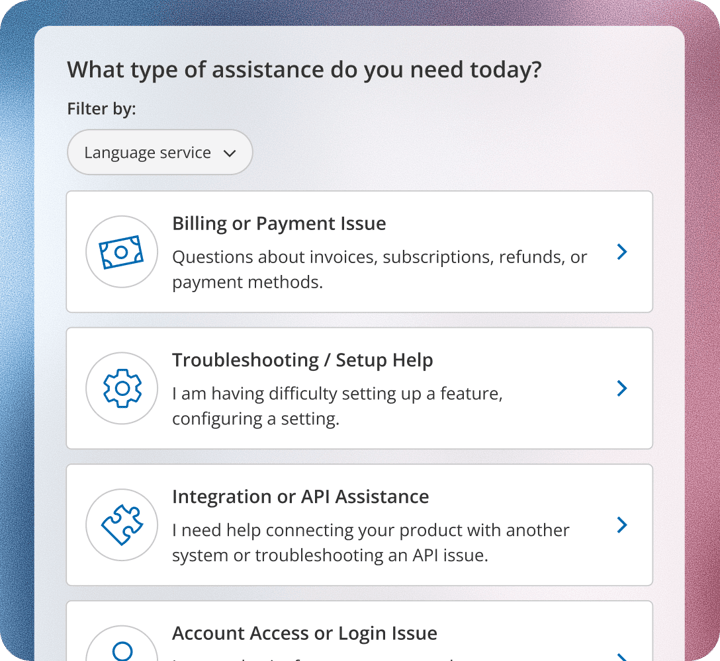
Direct customers to the right specialist calendar based on issue type or support tier. This speeds up resolution time and improves customer satisfaction.
Recommended Content
How to Manage in One Place and Improve Guest Experience?


.png?width=1534&height=876&name=RC_Booking%20Hubs%20(1).png)
.png?width=1534&height=876&name=RC_Booking%20Calendars%20with%20Gary%20the%20Tortoise%20(1).png)
.png?width=1534&height=876&name=RC_A%20booking%20page%20you%20can%20be%20proud%20of%20(1).png)